01
Choose the details.
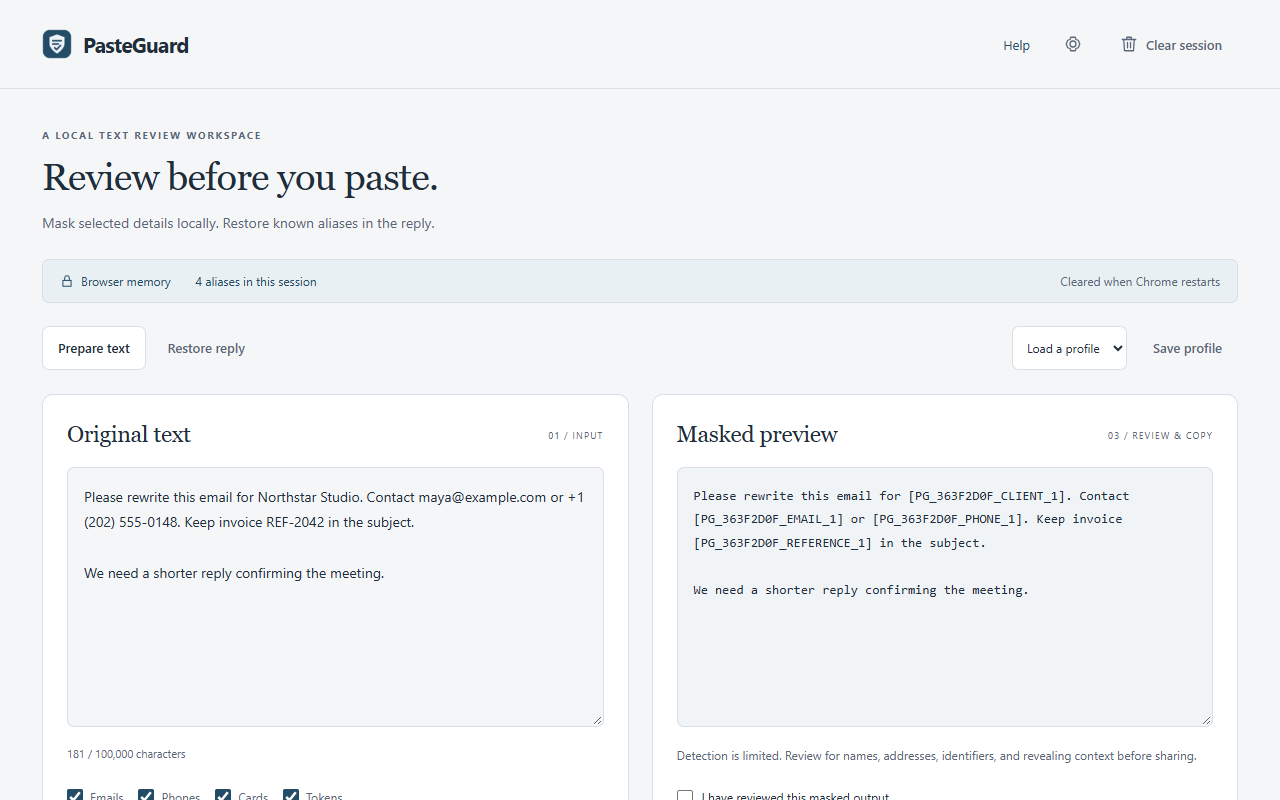
Paste text or import a selection. Scan supported patterns and add literal rules for names or references.
 PasteGuard
PASTEGUARD / CHROME
Choose the details to replace. Review the masked text, share it yourself, then restore exact known aliases in the reply.
Free features work without an account or payment.
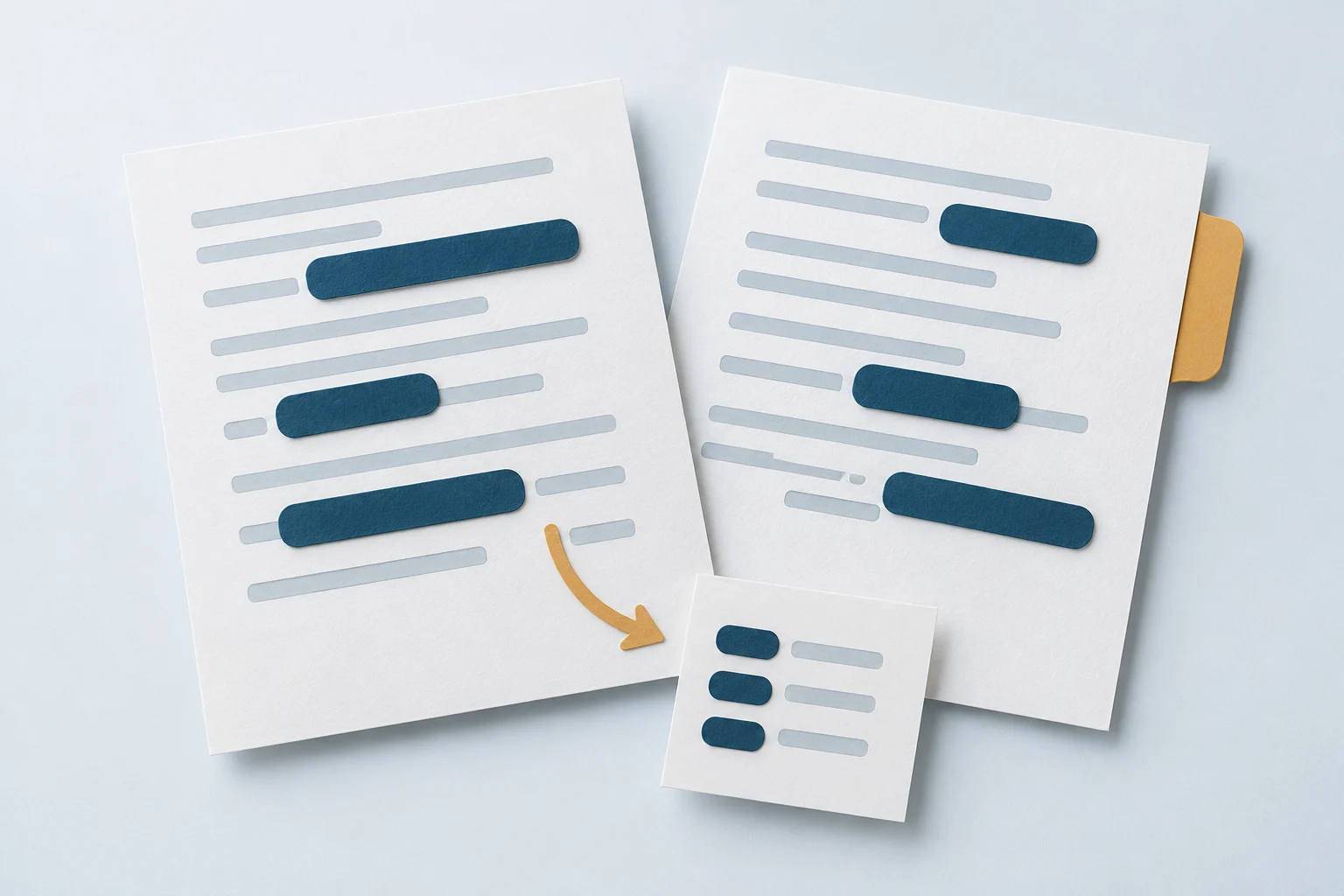
A SMALL, USEFUL WORKFLOW
01
Paste text or import a selection. Scan supported patterns and add literal rules for names or references.
02
Keep or replace each suggestion, generate the masked text, then confirm you have read it before copying.
03
Paste the reply back into PasteGuard. Restore exact known aliases while the original session is still available.
ON YOUR DEVICE
Text and alias mappings stay in browser-session memory. Restarting Chrome or reloading/updating the extension clears that session. A scanned session survives closing the panel. The clipboard is separate and is not cleared automatically. Pro client presets are stored locally with passphrase-based encryption; keep your passphrase and encrypted backup.
Read the privacy policy →Patterns can miss names, addresses and revealing context. PasteGuard does not guarantee anonymity or stop another site from receiving what you share. It never submits prompts for you.
Read the guide →FREE & PRO
Local scan, temporary literal rules, review, aliases, copy and reply restore; ten non-sensitive detector profiles. No daily quota for basic use.
Up to 25 encrypted client presets with 50 literal rules each, explicit unlock, alias preferences and encrypted preset import/export.
Compare Free & Pro →PASTEGUARD PRO
Lemon Squeezy: automatic renewal. Applicable tax is added at checkout.
DOKU: one payment for 365 days. Final total, Indonesia billing country only. No automatic renewal.
Choose your planOne license, one active Chrome profile.